Participant's interface / One-Time Password Login for Participants
We’ve just launched a simpler and faster way for participants to log in to their event or profile. With the new One-Time Password (OTP) option, participants can now authenticate themselves in just a few clicks:
Here’s how it works:
1. They receive an event or profile link.
2. They click the link and enter the email address they used to register.
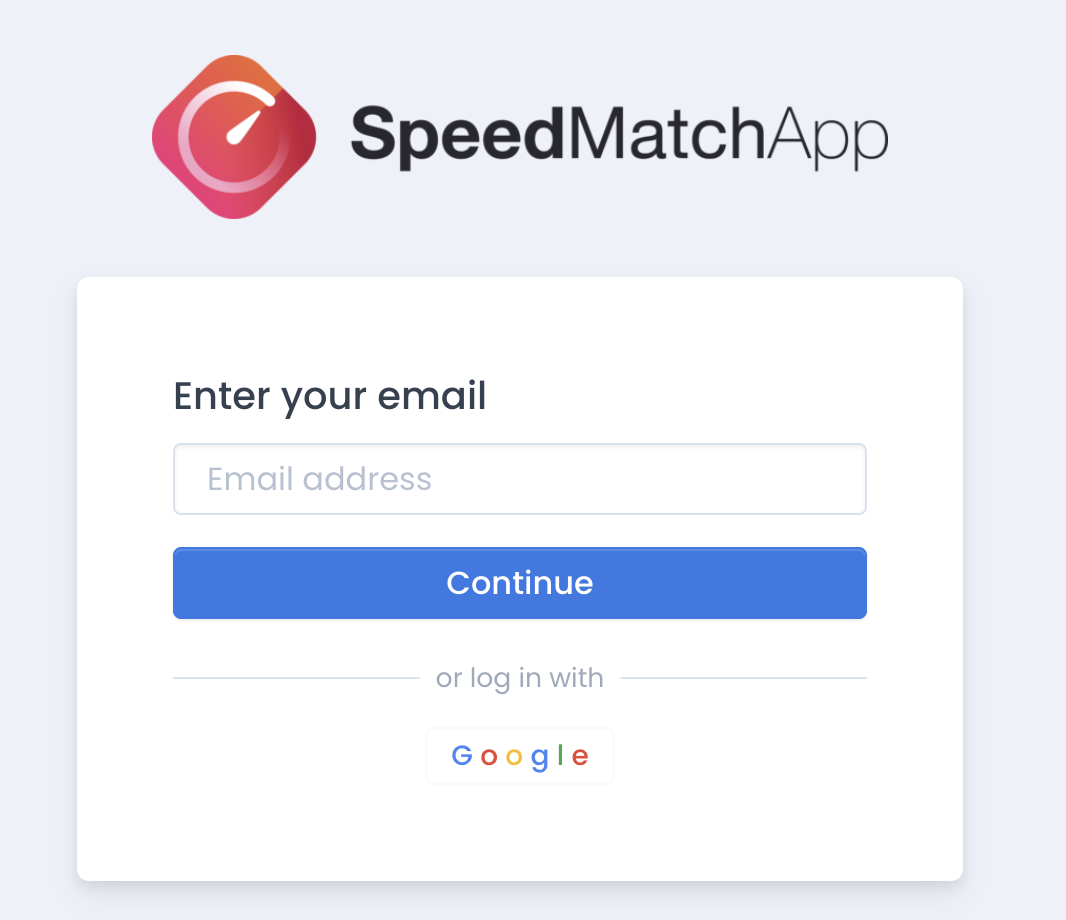
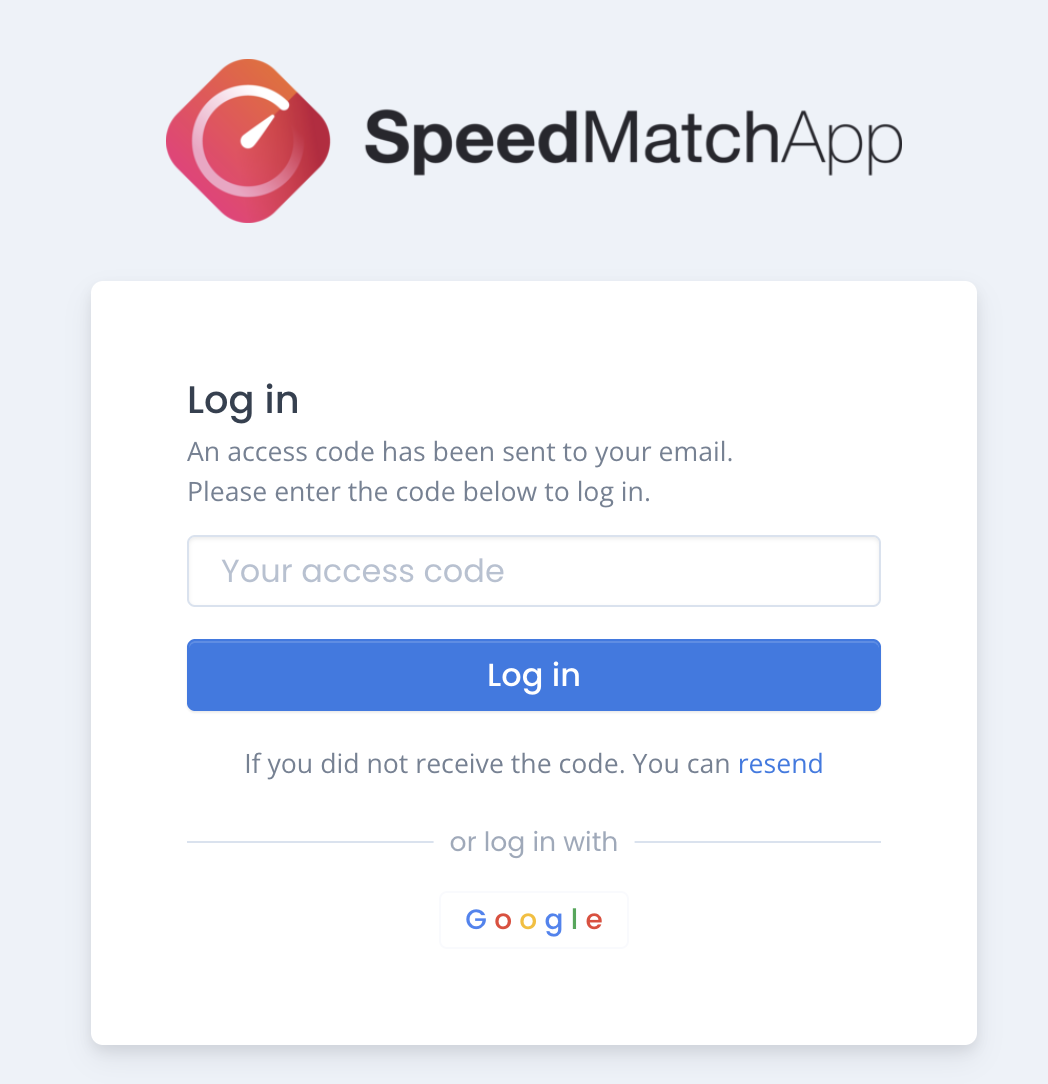
3. A 6-digit code is sent to their email.
 .
.
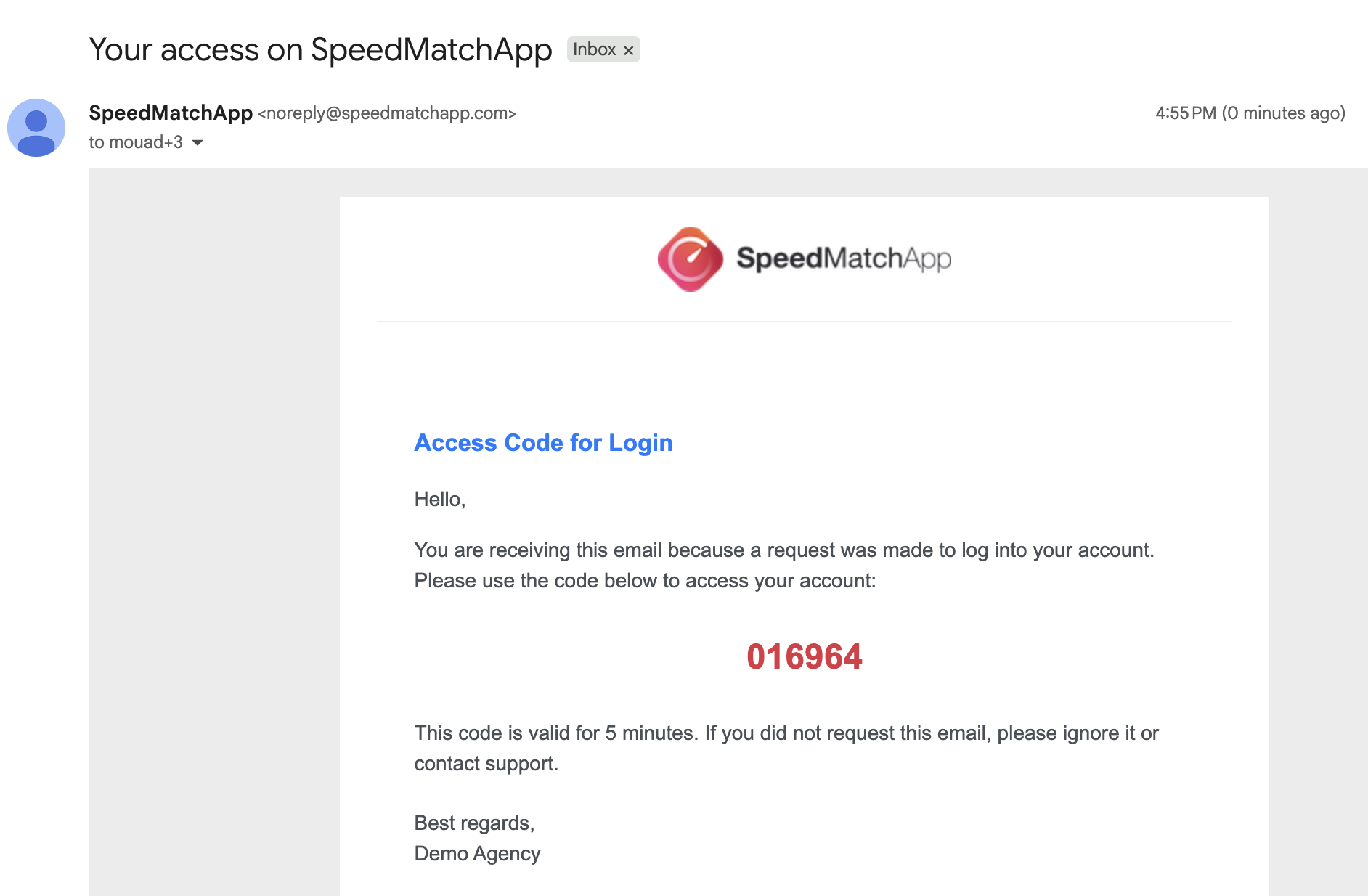
4. After entering the code, they’re automatically redirected to their profile or event.
How to enable it:
Go to Settings (top right) → Agency Settings → Under "Participants Authentication", switch from Standard Password to One-Time Password.
This feature improves the participant experience and helps reduce login-related issues.
Feel free to reach out if you have any questions!